Coloring online
On Ausmalee, you will not only find free coloring pages for all ages, but you can also paint directly in your browser – thanks to our free online coloring tool: simple, smooth, and powerful enough to finish a beautiful picture in just a few minutes. Below you will find a short step-by-step guide to get started right away.
Features of the Ausmalee Online Coloring Tool
Extensive Color Palette
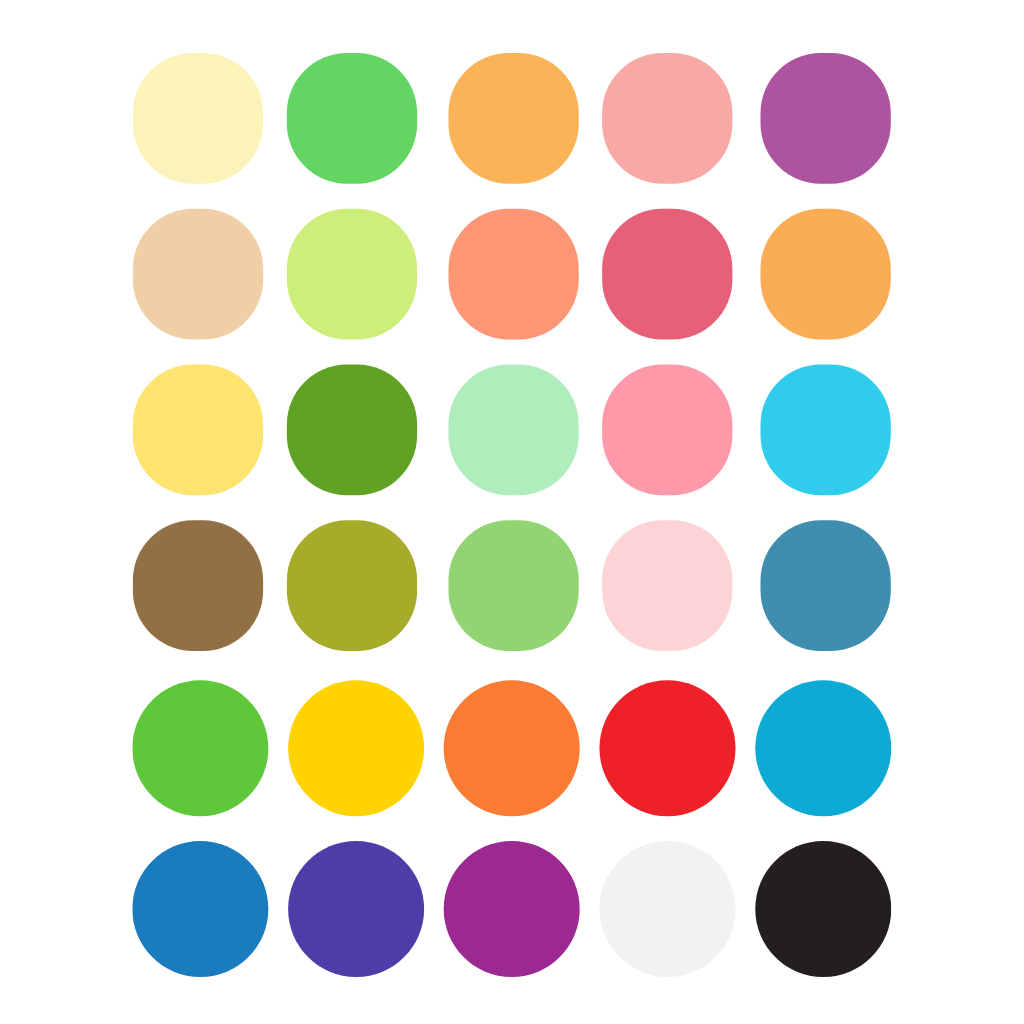
Open the image you like. In the sidebar, you will find a color palette with hundreds of shades, clearly sorted by group. Click on a color and start painting.
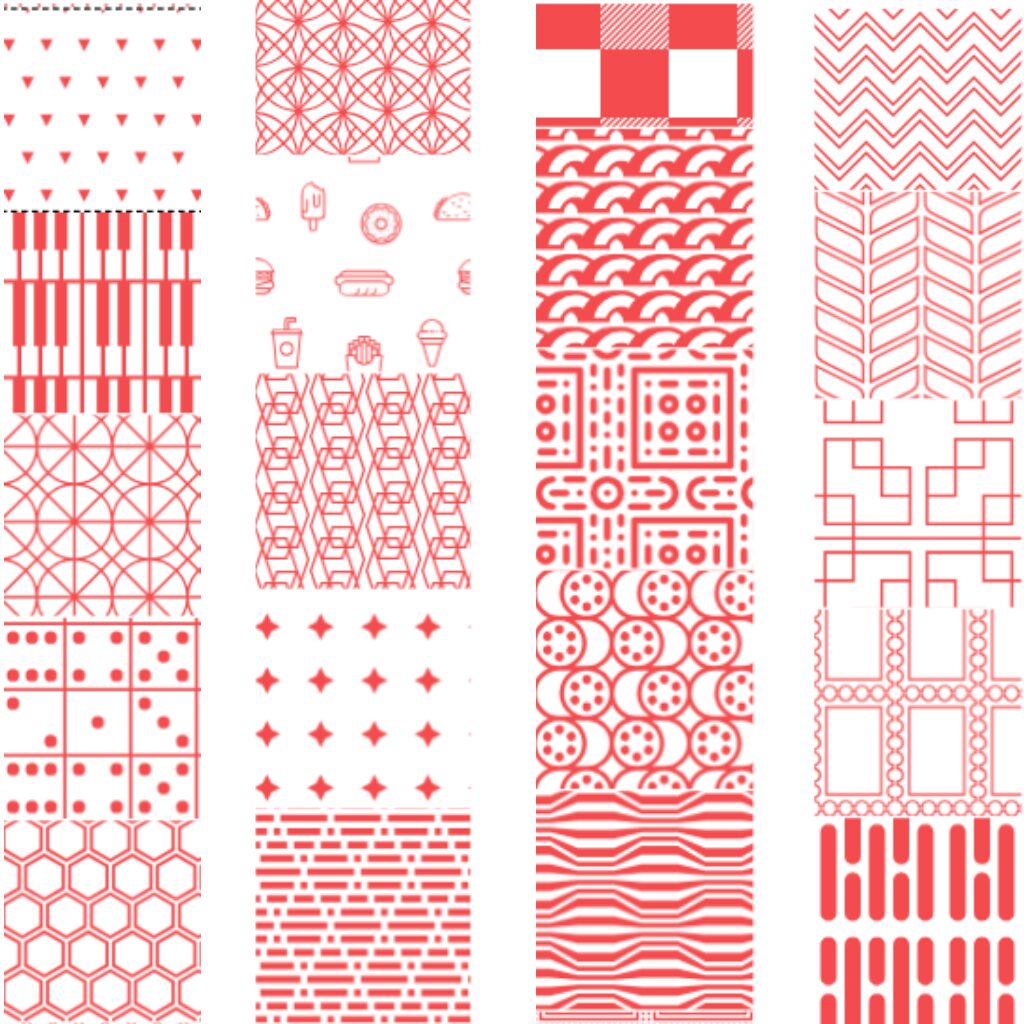
Want a more creative effect? Activate a pattern (dots, waves, checks, “food” …): The pattern automatically uses the chosen color and adjusts as soon as you change the color.
Coloring multiple areas simultaneously
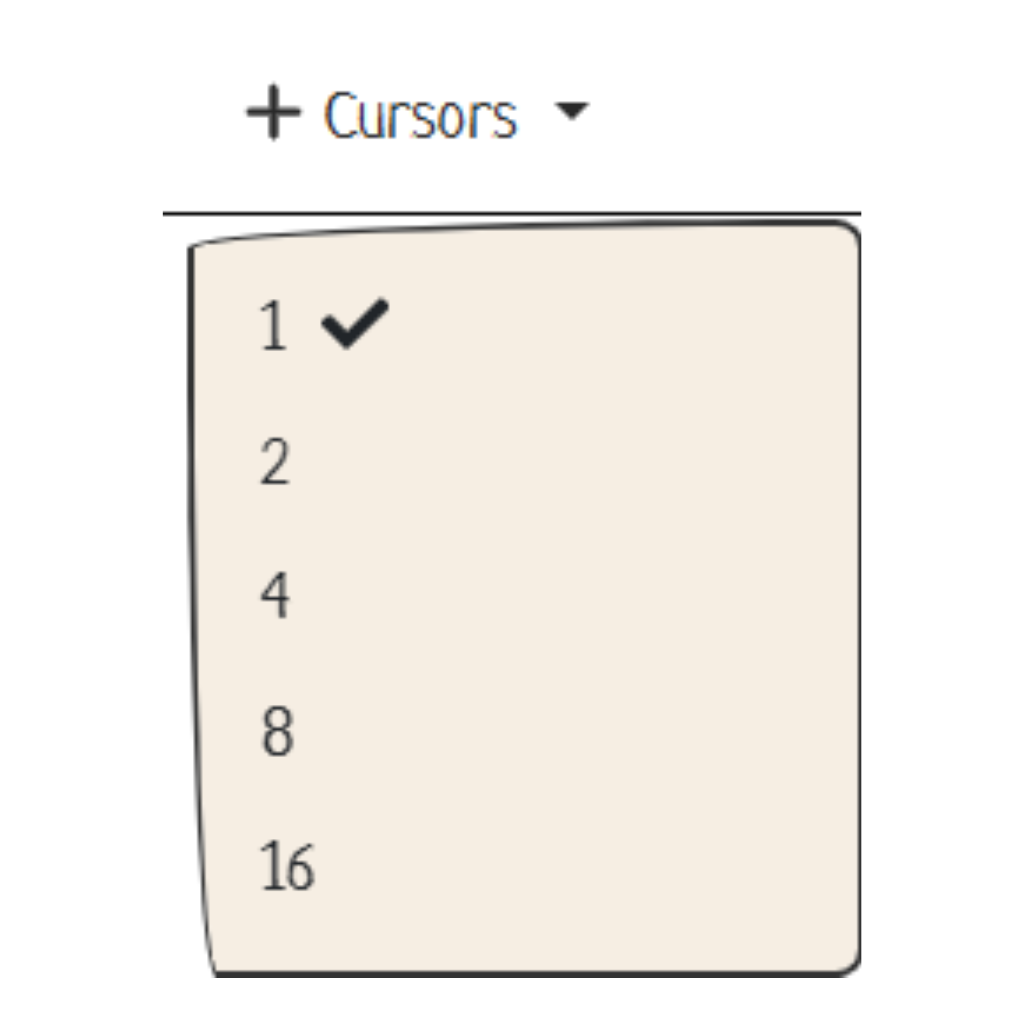
To fill repeated details or large areas faster, open the Cursors menu and choose 2, 4, 8, or 16 – depending on how many points you want to color at the same time. All active brushes work with the same color, so you will finish much faster.
For precise fine-tuning, switch back to 1 brush.
Zoom and Move
Enlarge small areas for more precision:
- Shift + = Zoom in
- Shift – = Zoom out
- Shift 0 = Reset zoom
To move the image without touching already colored areas, hold Shift and use the arrow keys.
Printing
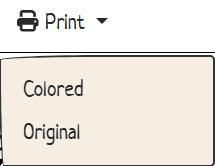
When you are finished, open the Print menu. You have two options:
- Colored – prints the finished colored version.
- Original – prints the original, uncolored template, ideal for coloring again on paper later.
Important Keyboard Shortcuts
- Ctrl Z = Undo
- Ctrl Y = Redo
- Ctrl R = Reset everything and start over
- In combination with Shift +/-/0 for zoom and Shift + arrow keys for moving, you will work significantly faster than using only the mouse.
Go to Ausmalee, open any image, and paint online for free – fast, clean, and uncomplicated.
If you need help or want to give us feedback, write to [email protected] – we look forward to every response.